Can You BCC a Text Message?
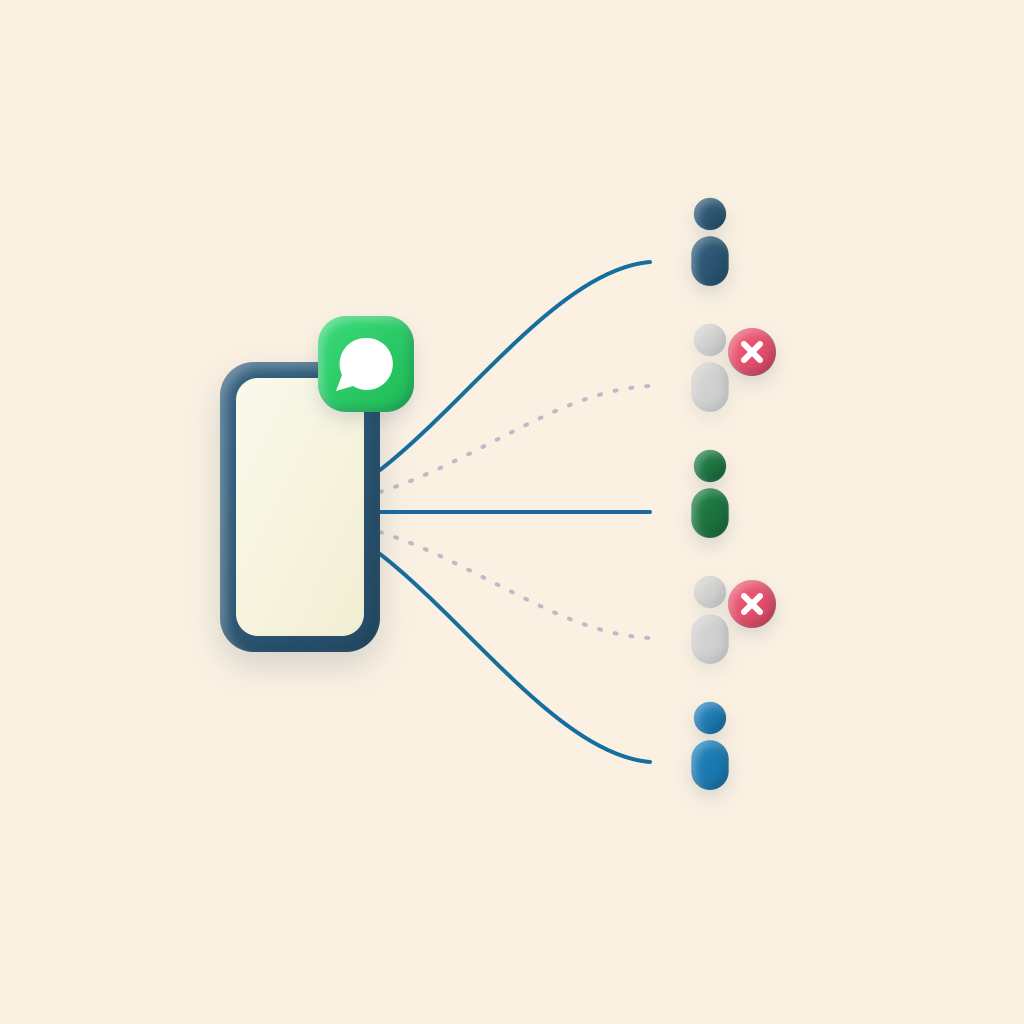
Not directly. Messages on iPhone has no BCC field like email does. But you can get the same result: one message that reaches many people without any of them seeing the others. Here is how it works and your options.
The short answer
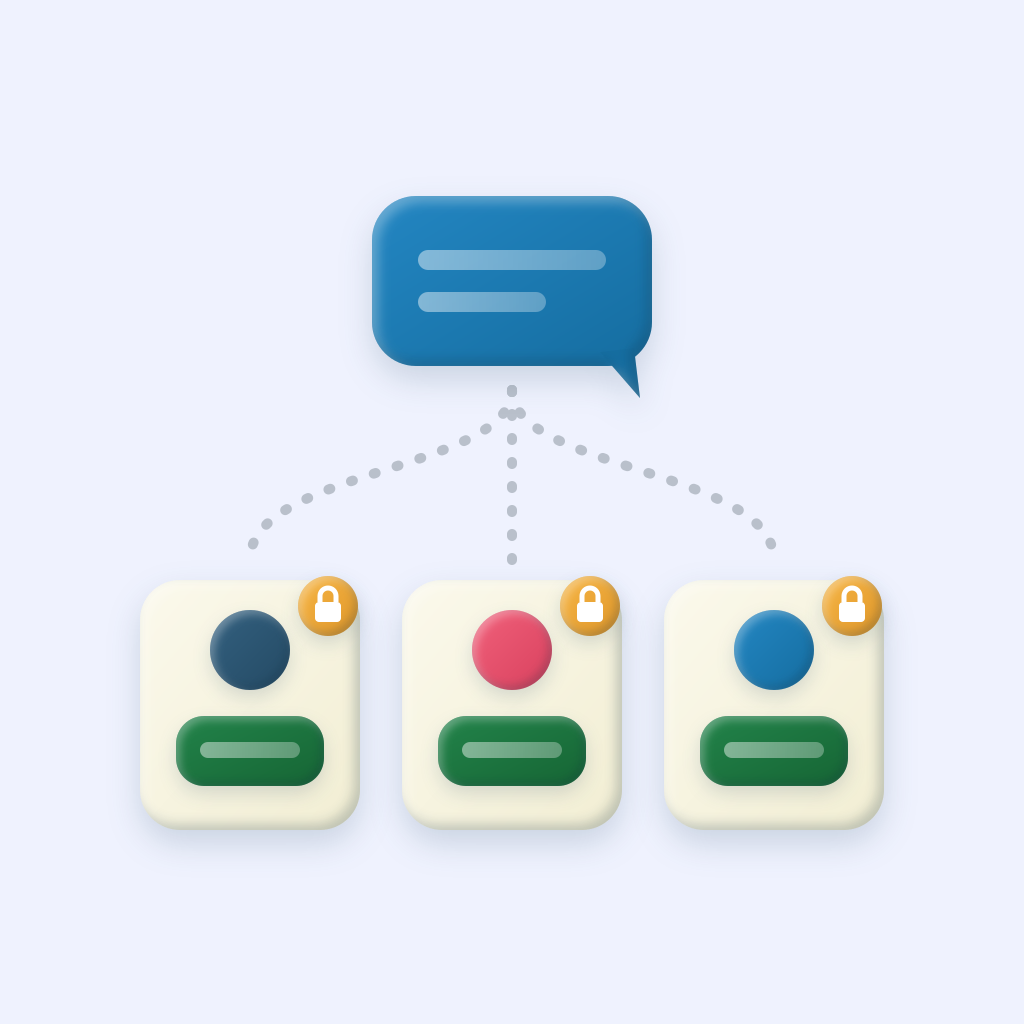
Email lets you put addresses in the BCC field so recipients get the message without seeing who else received it. Text messaging has no equivalent. When you add more than one person to a new message on iPhone, Messages creates a group thread, and everyone in it can see the other participants and read every reply.
What people mean by a "BCC text" (also called a blind group text) is a message that goes to many people but arrives in each person's own private conversation with you. You can do that, just not with a built-in feature.
Why you can't BCC a text natively
A group text is a single shared conversation. Everyone's phone number is part of it, and a reply from one person goes to the whole thread unless they reply to you separately. Because the thread itself is the feature, there is nowhere to hide a recipient.
That causes the familiar problems: strangers see each other's numbers, one "thanks!" notifies everyone, and someone always replies all when they meant to reply to you.
Ways to send one text to many people privately
- Send individual messages by hand. Copy your message and paste it into a separate conversation for each person. It is free and works everywhere, but it gets slow and error-prone past a handful of people.
- Use a broadcast feature in a messaging app. Some apps such as WhatsApp offer broadcast lists that deliver to each person separately. They only work with that app, and recipients usually have to have you saved as a contact to receive them. More on that in WhatsApp Broadcast Lists vs BCC Text.
- Use an app that sends individual texts for you. BCC Text lets you pick recipients, write the message once, and sends a separate message to each person from your own number through Messages. See how this compares to SMS marketing platforms if you are deciding between them.
We compare every option, including building your own Apple Shortcut, in how to mass text on iPhone: 5 ways.
How to BCC a text on iPhone with BCC Text
- Download BCC Text from the App Store.
- Choose your recipients from your contacts.
- Write your message once. Add
{FirstName}and each person sees their own name. - Send. Each person gets a private text from you, with no group thread and no other numbers visible.
Replies come back to you only, in your normal one-on-one conversation with each person. For the full walkthrough with screenshots, read how to send a mass text on iPhone without a group chat.