WhatsApp Broadcast Lists vs BCC Text: Why Some People Never Get Your Message
How WhatsApp Broadcast Lists work
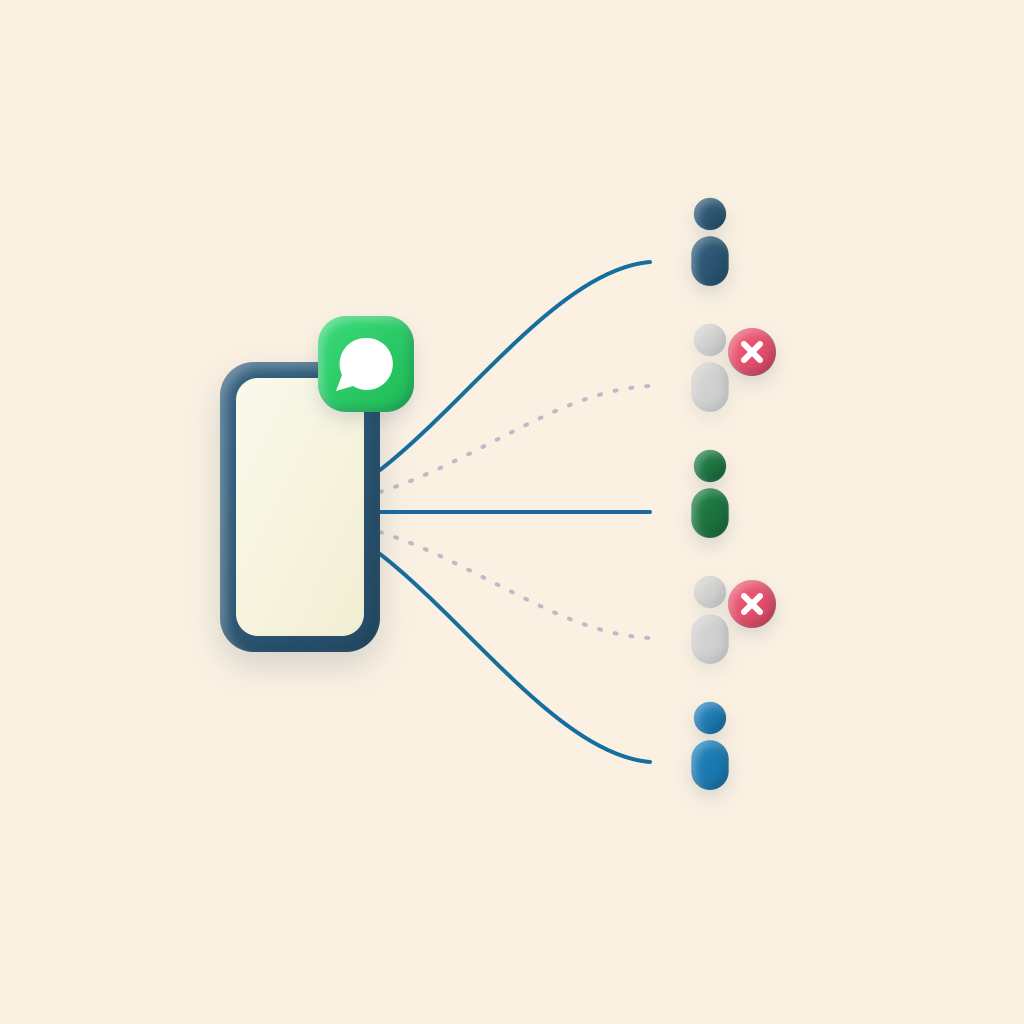
A Broadcast List is WhatsApp’s built-in way to send one message to many people without starting a group. You pick the contacts, write once, and each person gets the message as a regular one-on-one chat from you. They can’t see who else got it, and if they reply, only you see the reply.
To create one on iPhone:
- Open WhatsApp and go to the Chats tab.
- Open the menu and choose the option for a new broadcast (the wording varies a little by version).
- Select your contacts and create the list.
- Send a message to the list. You can reuse the list any time.
For a family announcement or a group of friends who all have you saved, that’s often all you need. The trouble starts when you use it for anything bigger.
The saved-number problem
WhatsApp only delivers a broadcast to people who have your number saved in their contacts. It’s an anti-spam rule, and it makes sense for WhatsApp. For you, it means:
- The new family on the team, who has never texted you, doesn’t get the practice change.
- The first-time church visitor who filled out a card doesn’t get the welcome message.
- The client you met at last week’s open house doesn’t get the follow-up.
There’s no error and no bounce. The message shows as sent on your side. The only way to check is to tap into the broadcast’s message info and look at who it was delivered to, which almost nobody does.
The people most likely to be missed are the newest people on your list, which is often exactly who you most need to reach.
The other limits
- 256 people per list. Bigger groups have to be split across several lists and sent more than once.
- No names. Everyone gets the identical message. “Hi everyone” is fine for an announcement, but a check-in or a thank-you lands better with a name. See our text message mail merge guide for why.
- WhatsApp only. If some of your people use WhatsApp and others only use regular texts, you end up sending twice in two different apps.
How BCC Text handles it
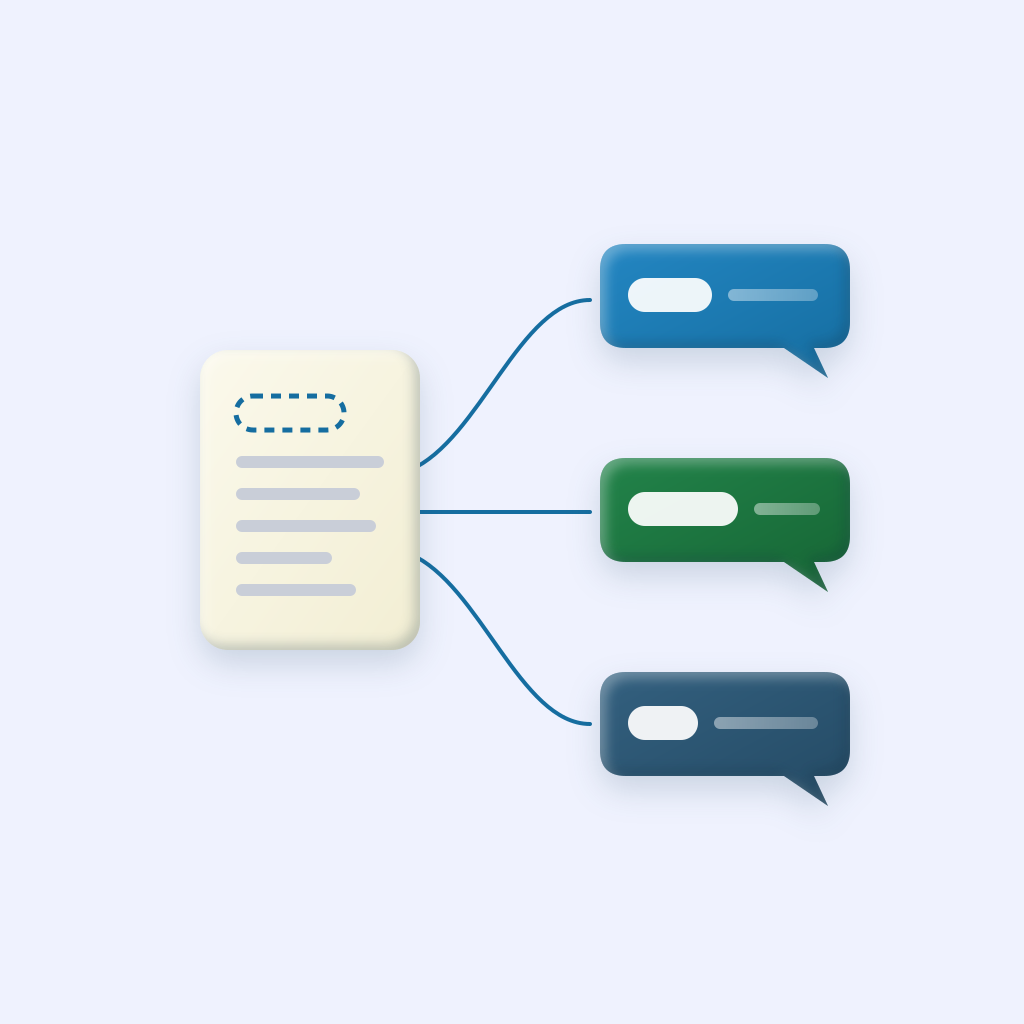
BCC Text doesn’t use WhatsApp’s broadcast feature. It sends each person an ordinary individual message, the same as if you’d opened their chat and typed it yourself. Since it isn’t a broadcast, the saved-number rule doesn’t apply.
- Save your contacts as a group, from your iPhone contacts or a CSV.
- Set that group to send through WhatsApp (or Messages, or Google Voice).
- Write the message once with
{FirstName}where the name goes. - Send. Apple Shortcuts sends each message for you, from your own number.
Because each group can use a different app, you can text your WhatsApp contacts on WhatsApp and everyone else by regular text, from the same place. We go deeper on that in sending WhatsApp and Google Voice group messages.
WhatsApp Broadcast Lists vs BCC Text
| Feature | BCC Text | WhatsApp Broadcast List |
|---|---|---|
| Cost | $39.99/year or $4.99/month | Free |
| Who receives it | Everyone you select | Only people who saved your number in their contacts |
| Tells you who missed it | Each message is its own chat, so you can see it | No warning for people who didn’t save your number |
| List size | No fixed cap (best under about 100 per send) | 256 per list |
| Personalized names | Yes, {FirstName}, {LastName}, {Company} | No |
| Messaging apps | WhatsApp, Messages (iMessage/SMS), or Google Voice, per group | WhatsApp only |
| Recipients see each other | No | No |
| Replies | Private, to you | Private, to you |
| Reusable lists | Saved groups and CSV import | Saved broadcast lists |
| Works on | iPhone (recipients can use any phone) | iPhone and Android |
What about WhatsApp groups, Communities, and Channels?
- Groups put everyone in one conversation. Members can see each other’s numbers and every reply. That’s great for a close-knit group that wants to chat, and bad for announcements.
- Communities bundle several groups together with an announcement group on top. They’re useful for big organizations, but people still have to join, and they’re part of a group structure.
- Channels are one-way broadcasts that people choose to follow. They work for publishers and public updates, not for personal messages people can reply to.
If what you want is “everyone gets my message privately and can reply to me,” the choices are a Broadcast List or individual messages.
Which one should you use?
- Use a Broadcast List if everyone is on WhatsApp, you know they’ve saved your number, the list is under 256, and a generic message is fine.
- Use BCC Text if your list includes new contacts, you want names in each message, some people aren’t on WhatsApp, or you can’t afford for anyone to miss it.
Comparing other options too? See the best mass texting apps for iPhone and five ways to mass text on iPhone.