How to Mass Text on iPhone: 5 Ways (Free and Paid)
Why not just start a group message?
For a few friends planning dinner, a group chat is fine. For an announcement to a team, a class, a congregation, or a client list, it causes problems:
- Every recipient sees every other recipient’s phone number.
- One “thanks!” becomes a notification for everyone.
- People mute the thread and miss the next important message.
- Some people have a mix of iPhone and Android, which can break group threads.
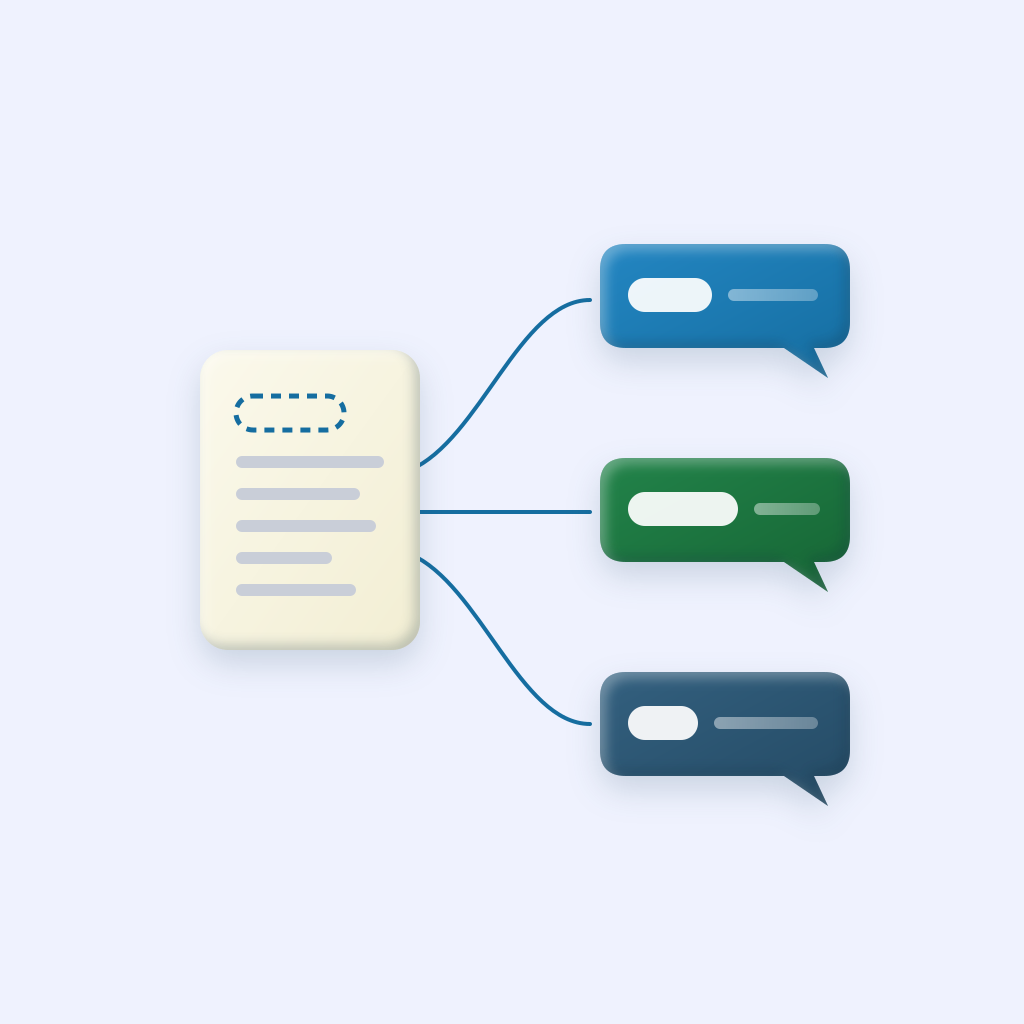
Sending individually fixes all four. Each person gets a normal text from you and replies only to you. Here are five ways to do it.
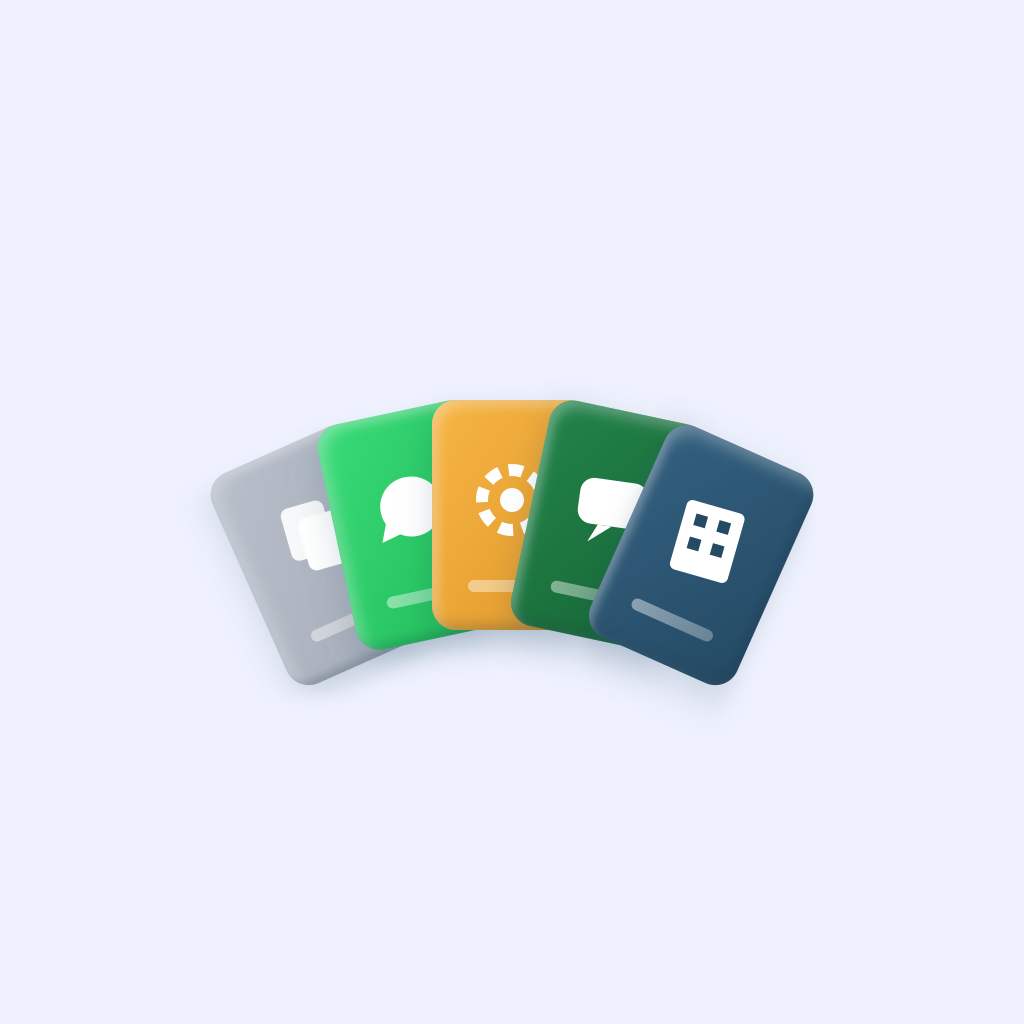
The five ways at a glance
1. Copy, paste, send
Free
- Best for
- Under 10 people
- Effort per send
- High
2. WhatsApp Broadcast List
Free
- Best for
- Everyone on WhatsApp
- Effort per send
- Low
3. DIY Apple Shortcut
Free
- Best for
- A fixed list you rarely change
- Effort per send
- Medium setup
4. Mass texting app
About $40/year
- Best for
- Groups up to about 100
- Effort per send
- Low
5. Texting platform
$25–$40+/month
- Best for
- Marketing or thousands of people
- Effort per send
- Low, after setup
Method 1: Copy, paste, send
The no-tools approach. Write your message once, copy it, and paste it into each conversation.
- Write the message in Notes and copy it.
- Open Messages, tap the compose button, and add one person.
- Paste, change the name at the top if you greeted them, and send.
- Repeat for everyone else.
Works when: you’re texting fewer than ten people. Breaks when: the list grows. Thirty parents means thirty rounds of compose, paste, edit, send, and it’s easy to skip someone or send the wrong name.
Method 2: WhatsApp Broadcast List
If everyone you’re texting uses WhatsApp, its Broadcast List feature sends one message to each person as a private chat.
- Open WhatsApp and go to Chats.
- Tap the menu and choose New Broadcast (the wording varies a little by version).
- Pick your contacts and create the list.
- Send a message to the list. Each person receives it individually.
The catches: a broadcast only reaches people who have saved your number in their contacts. Anyone who hasn’t simply never gets it, and WhatsApp doesn’t warn you. Lists are capped at 256 people, and you can’t personalize names.
Method 3: Build an Apple Shortcut
The Shortcuts app on your iPhone can loop through a list of contacts and send each one the same message from your number. Here’s a basic version:
- Open Shortcuts and tap + to create a new shortcut.
- Add a Contacts action and choose the people you want to text.
- Add a Repeat with Each action, so the next steps run once per contact.
- Inside the repeat, add a Send Message action. Type your message and set the recipient to Repeat Item.
- Expand Send Message and turn off Show When Run, so it sends without stopping on every person.
- Test it on two or three people you know first.
Works when: you text the same small list over and over and like tinkering. Breaks when: the list changes often, you want first names in each message (you’ll need extra Get Details of Contacts actions), or you want to send through WhatsApp or Google Voice. There’s no preview of who will get what, so a mistake goes to everyone.
Method 4: Use a mass texting app
A mass texting app does the Shortcut work for you, with saved groups and names filled in. Here’s how it works in BCC Text:
- Pick contacts from your phone or import a CSV, and save them as a group like “Game Day Parents.”
- Write your message once. Add
{FirstName}and each person sees their own name. - Choose Messages, Google Voice, or WhatsApp for the group.
- Tap send. BCC Text uses Apple Shortcuts to send each text from your own number automatically.
Recipients see an ordinary text from you. Replies land in your normal one-on-one conversations. BCC Text costs $39.99 a year or $4.99 a month, with 3 free messages to try it. There are other apps that do this too; we compared them in the best mass texting apps for iPhone.
Works when: you’re texting people who know you, in groups up to about a hundred. Breaks when: you need thousands of recipients or marketing campaigns. Read sending to large groups from your personal number before you go big.
Method 5: Use a business texting platform
Platforms like SimpleTexting, EZ Texting, and SlickText give you a separate business number, a web dashboard, opt-out handling, and analytics. They’re built for stores, clinics, and organizations sending promotions or alerts to large lists.
The trade-offs: a monthly subscription (roughly $25 to $40 a month for the entry plans, each with about 500 message credits), carrier registration before you can send, and messages that come from a number your recipients don’t recognize. We compared prices in SimpleTexting, EZ Texting, and SlickText alternatives.
Which one should you use?
- A handful of people, once: copy and paste.
- Everyone’s on WhatsApp and has your number: a Broadcast List.
- A team, class, church, or client list you text regularly: a mass texting app.
- Marketing to thousands: a business texting platform.