The Best Mass Texting Apps for iPhone in 2026 (Without a Group Chat)
Our picks
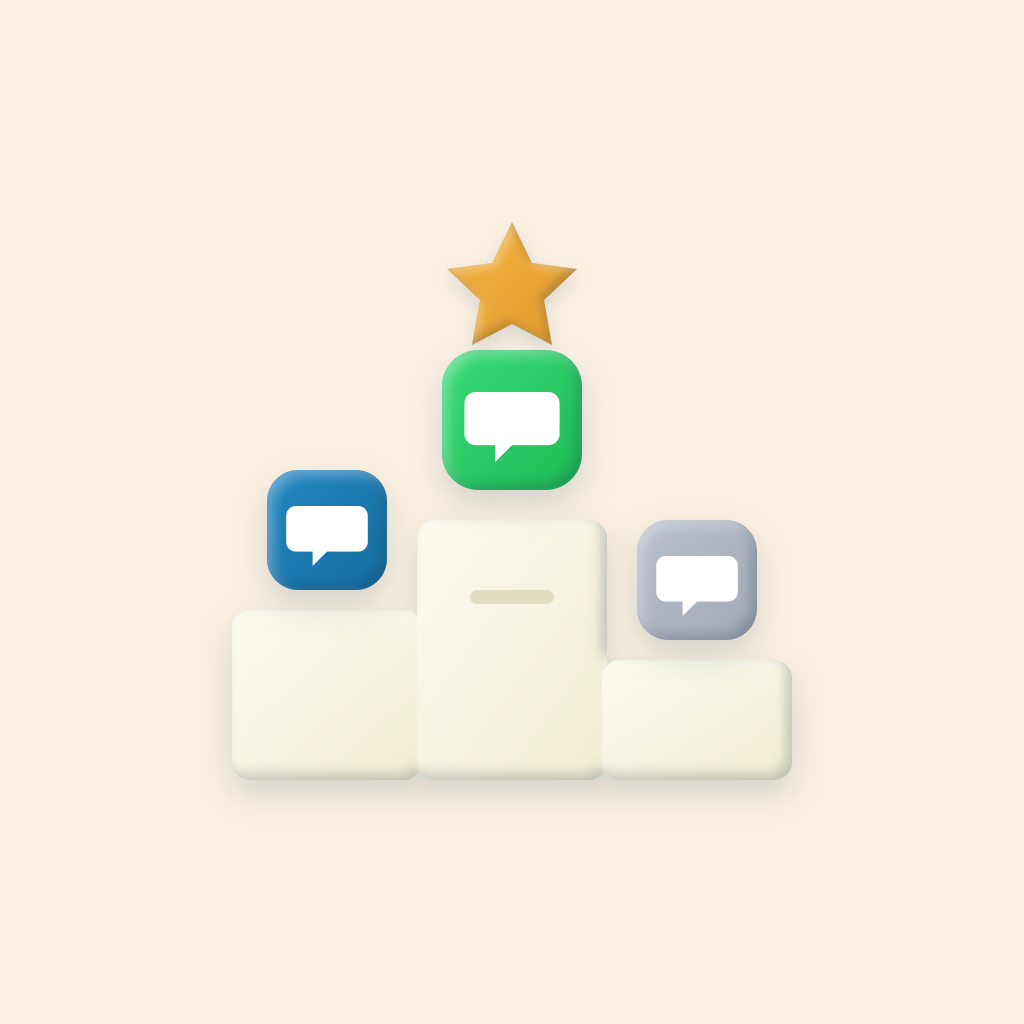
Best overall
BCC Text
Private texts from your own number through Messages, Google Voice, or WhatsApp, with no tracking.
Best with email
Mass Sender
Texts and bulk email from one app.
Best free
WhatsApp Broadcast List
If everyone uses WhatsApp and has your number saved.
Best DIY
Apple Shortcuts
For a small list that rarely changes.
What “mass texting without a group chat” means
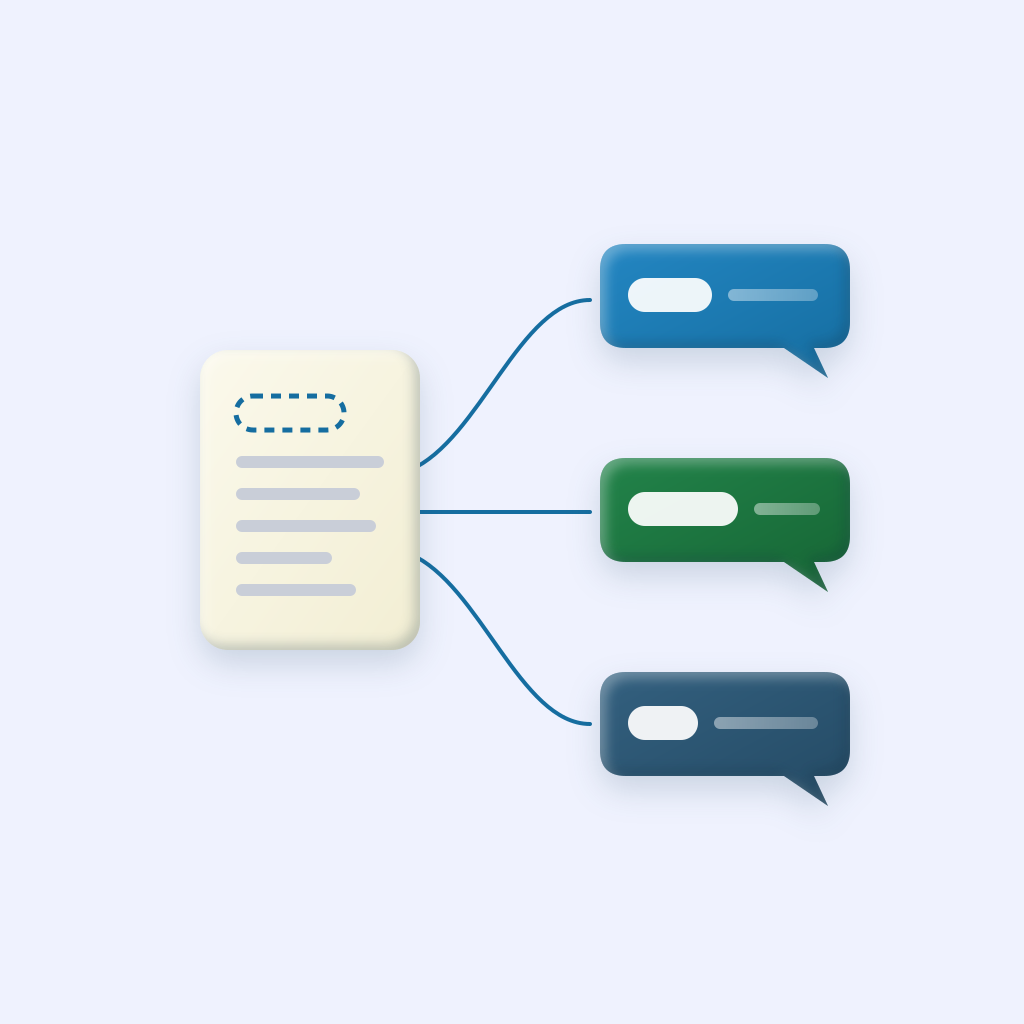
When you add ten people to one message in the iPhone Messages app, you get a group chat. Everyone sees everyone’s number, and every reply goes to the whole group. What most coaches, pastors, teachers, and small business owners actually want is the texting version of email BCC: write once, and each person gets their own private text from you.
Apple doesn’t offer that in the Messages app. Everything on this list fills that gap in a different way. We left out business texting platforms that give you a new number; those are covered in our platform comparison.
How we compared them
We make BCC Text, so we’re not neutral. To keep this useful, we used only facts you can check: each app’s App Store listing, website, and pricing page, as of November 2026. We looked at four things:
- Does it send from your own number? People reply to, and trust, a text from someone they know.
- Which messaging apps does it support? Messages, Google Voice, WhatsApp.
- What does the App Store privacy label say? You’re handing over other people’s contact details.
- How much effort per send? Tapping send 60 times isn’t a real solution.
Quick comparison
BCC Text
$39.99/yr
or $4.99/mo, unlimited messages
- Sends via
- Messages, Google Voice, WhatsApp
- Personalization
- First name, last name, company
- Tracks you
- No
Mass Sender
From $9.99/mo
after a 7-day trial
- Sends via
- Messages, Google Voice, email
- Personalization
- Template fields
- Tracks you
- Yes
WhatsApp Broadcast
Free
built into WhatsApp
- Sends via
- WhatsApp only
- Personalization
- None
- Tracks you
- n/a (part of WhatsApp)
Apple Shortcuts (DIY)
Free
built into iOS
- Sends via
- Messages
- Personalization
- Possible, with extra setup
- Tracks you
- n/a (built in)
“Tracks you” is taken from the “Data Used to Track You” section of each App Store privacy label, as declared by the developer.
1. BCC Text: best overall
BCC Text sends one message as separate one-to-one texts from your own number. You pick Messages, Google Voice, or WhatsApp per group, add {FirstName} so each message is personal, and send the whole list with one tap through Apple Shortcuts.
Good
- WhatsApp support
- No tracking on its privacy label
- Reusable groups and CSV import
- Built-in template library and photo attachments
- Full VoiceOver support
Not so good
- iPhone only
- No scheduled sends
- A smaller trial (3 free messages)
Price
$39.99 per year or $4.99 per month, unlimited messages
Best for
Coaches, churches, teachers, real estate agents, and anyone texting people who know them
2. Mass Sender: best if you also send email
Mass Sender: Bulk Text & Email sends personalized one-to-one texts through Messages or Google Voice, and can send bulk email from the same app. It adds scheduling, contact tags and notes, and imports from Google Sheets or Excel.
Good
- Text and email in one place
- Scheduling
- Delays between sends
Not so good
- No WhatsApp
- Few ratings so far (about 20)
- Its privacy label lists identifiers as used to track you
Price
Subscription from $9.99 per month after a 7-day trial
3. WhatsApp Broadcast Lists: best free option
WhatsApp has a built-in Broadcast List feature. You choose contacts, write a message, and each person receives it as a normal chat from you. Replies come back privately.
Good
- Free
- Private
- No extra app
Not so good
- Only reaches people who saved your number, and you aren’t told who didn’t get it
- Lists are capped at 256 people
- Everyone must use WhatsApp
- No name personalization
Price
Free
If half your list uses WhatsApp and half uses regular texts, BCC Text lets you send each group through the app that group actually uses.
4. Apple Shortcuts: best do-it-yourself option
If you’re comfortable in the Shortcuts app, you can build a shortcut that loops through a set of contacts and sends each one the same message. It’s free and uses your own number.
Good
- Free
- Built into iOS
- Private
Not so good
- Editing the list means editing the shortcut
- Adding first names takes extra actions
- No saved groups, CSV import, or WhatsApp
Price
Free
We walk through the steps in how to mass text on iPhone.
When you need a texting platform instead
Every app above sends from your own phone. That’s the right choice for people who know you, but it has a ceiling. If you’re sending marketing texts, messaging thousands of people, need a shared team inbox, or need opt-out handling and compliance records, use a business texting platform like SimpleTexting, EZ Texting, or SlickText. Before sending to more than about a hundred people from your own number, read sending to large groups from a personal number.
Tips that work with any of these apps
- Use each person’s first name. It reads as personal, and varied messages are less likely to look like spam to carriers. See our text message mail merge guide.
- Only text people who would expect to hear from you, and tell them how to opt out.
- Send large lists in batches rather than all at once.
- Keep it short. A message that fits in one text gets read.